Basic, Free
Core monitoring for 1 site so you're alerted the moment something breaks. Upgrade to unlock instant SOS Recovery access.

SOS Recovery Mode generates a secure, time-limited link straight into wp-admin when your WordPress site white-screens, crashes, or gets hacked, so you can deactivate the broken plugin and bring the site back online. No FTP, no hosting panel, no support ticket.
SOS Recovery Mode is a WP Tailwatch feature that generates an instant, secure, time-limited admin access link so you can get back into wp-admin and repair a crashed, white-screened, or hacked WordPress site, deactivating a broken plugin or theme without FTP or a hosting panel, on the Business and Agency plans.
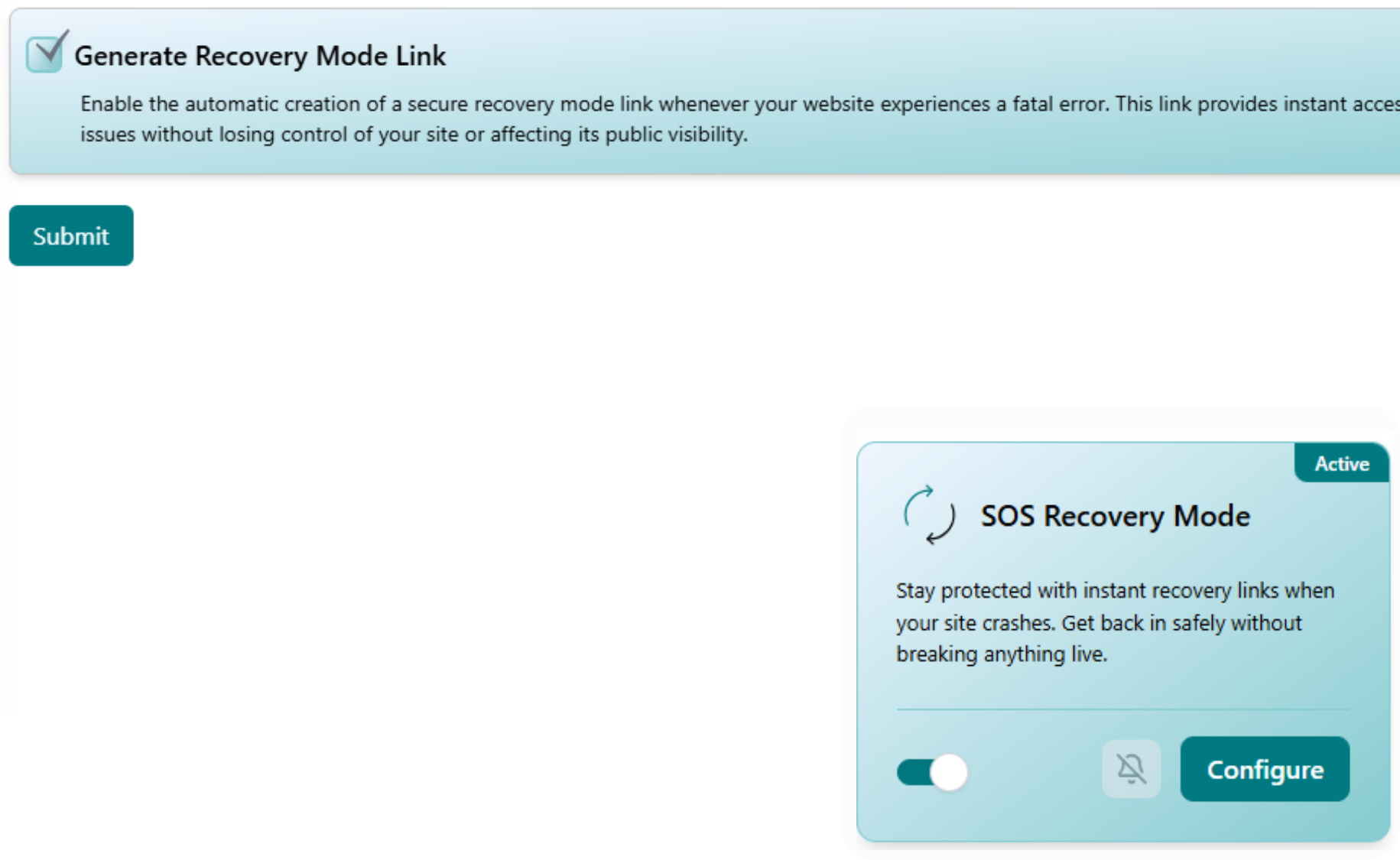
When a bad plugin update or an attack takes your site down, the normal login screen often goes with it. SOS Recovery Mode hands you a safe, one-time link straight into the admin area so you can disable the culprit and restore the site in minutes.
When wp-admin fails, WP Tailwatch issues an instant time-limited admin link from the app, so you get in and fix the problem right away.
Open WP Tailwatch, pick the downed site, and tap Generate SOS Recovery link. A secure, single-use, time-limited admin link is created instantly from your verified account.
The link drops you into a fresh admin session, even if the normal login page is white-screened or broken, so you don't need FTP credentials or your hosting panel.
Deactivate the broken plugin or theme, undo the bad change, and your site is back online. The link then expires automatically, leaving nothing reusable behind.
WordPress powers around 43% of all websites on the internet, which means the same plugin conflicts, fatal PHP errors, and attacks that take sites down happen to millions of owners every day. Source: W3Techs CMS usage statistics. When a bad update white-screens your site or a hack locks you out, the worst part is often just getting back in, the traditional fix means hunting for FTP credentials, digging through your hosting panel, or renaming plugin folders by hand while the site stays down.
SOS Recovery Mode removes that scramble. One secure link puts you back inside wp-admin so you can deactivate the broken component and restore the site from your phone. Pair it with Backup Vault to roll back a bad change, or with AI Malware Guard on Business and above to clean an infection after you're back in, that's the WP Tailwatch difference: a way back in, the moment you need it.
Get alerted for free, upgrade for instant emergency admin access.
Core monitoring for 1 site so you're alerted the moment something breaks. Upgrade to unlock instant SOS Recovery access.
Full SOS Recovery Mode with instant, time-limited admin links for 1-20 sites. Get back into any downed site in seconds.
SOS Recovery across 21-1,000 sites with tiered volume pricing and one dashboard to rescue your whole portfolio.
SOS Recovery Mode pairs with the rest of WP Tailwatch to replace 23+ separate plugins with one platform.
Common questions about regaining access to a crashed or hacked WordPress site with WP Tailwatch.
SOS Recovery Mode is a WP Tailwatch feature that generates an instant, secure, time-limited link straight into your WordPress admin. When your site is white-screened, crashed, hacked, or you're locked out, you tap the link to reach wp-admin and repair the site, for example by deactivating a broken plugin or theme, without touching FTP or your hosting panel.
The link is generated on demand from your authenticated WP Tailwatch dashboard and is cryptographically signed, single-use, and time-limited, so it expires shortly after it's created. Because it only works for your own verified account and the connection is encrypted, the link can't be reused or guessed by anyone else.
Open the WP Tailwatch app or cloud dashboard, choose the affected site, and tap Generate SOS Recovery link. You're taken straight into wp-admin in a fresh session, even if the normal login screen is broken, where you can deactivate the offending plugin or theme and bring the site back online.
Yes. The white screen of death is usually caused by a fatal PHP error in a plugin or theme, which can also block the normal login page. SOS Recovery Mode gets you into the admin area so you can disable the faulty component and restore the site.
Yes. Each SOS Recovery link is single-use and time-limited, it grants one safe admin session and then expires automatically. If you need access again later, you simply generate a fresh link from your dashboard.
No. SOS Recovery Mode is designed for exactly the moments when FTP credentials or your hosting panel aren't handy. The secure link drops you into wp-admin directly, so you can fix the site from your phone or browser without digging up server logins.
Full SOS Recovery Mode is included on the Business and Agency plans. The free Basic plan includes core monitoring so you're alerted to problems, and you can upgrade to unlock instant emergency admin access when you need to repair a downed site.
Yes. Every site connected to your WP Tailwatch dashboard can generate its own SOS Recovery link, so you can rescue any site in your portfolio from one place. The Agency plan extends this across large fleets of sites with tiered volume pricing.
Yes. SOS Recovery Mode replaces the separate emergency-recovery and login-rescue plugins many site owners install just in case. It's part of how WP Tailwatch replaces 23+ separate plugins with one platform, so you don't have to keep extra recovery tools on your site.
No. The link is signed, single-use, and time-limited, and it can only be created from your authenticated WP Tailwatch account. Because it expires quickly and isn't tied to a static, guessable URL, an attacker has nothing reusable to exploit even if they saw it.
An instant, secure admin link the moment your WordPress site goes down, so you're never locked out of your own site again. Start free today.